 Anchor Plural
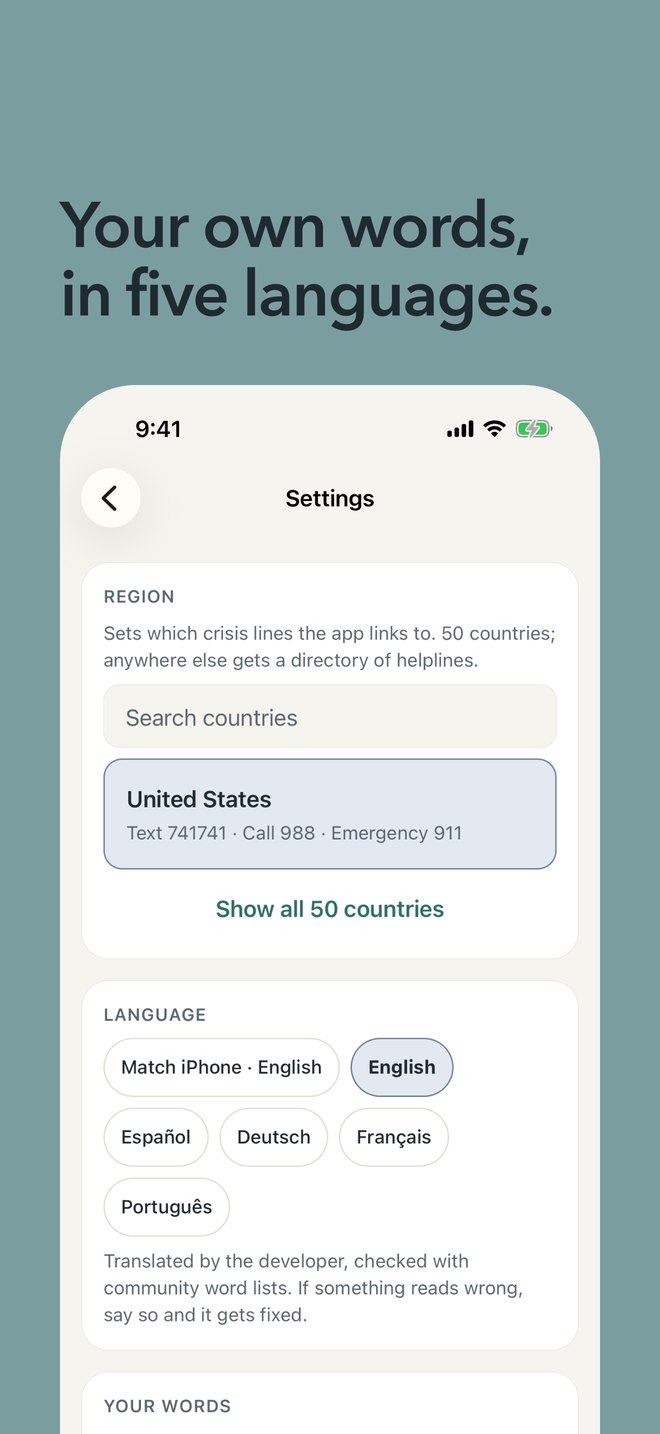
- 50countries on the help screen, each with its own numbers
- 5languages, and your own word for members
- 6other apps you can bring your system from
- 0accounts, servers or trackers
Help in two taps
Built for the hardest ten minutes.
Someone is fronting on a bad night, doesn’t know what has been going on, and needs to reach a person. Anchor Plural starts there.
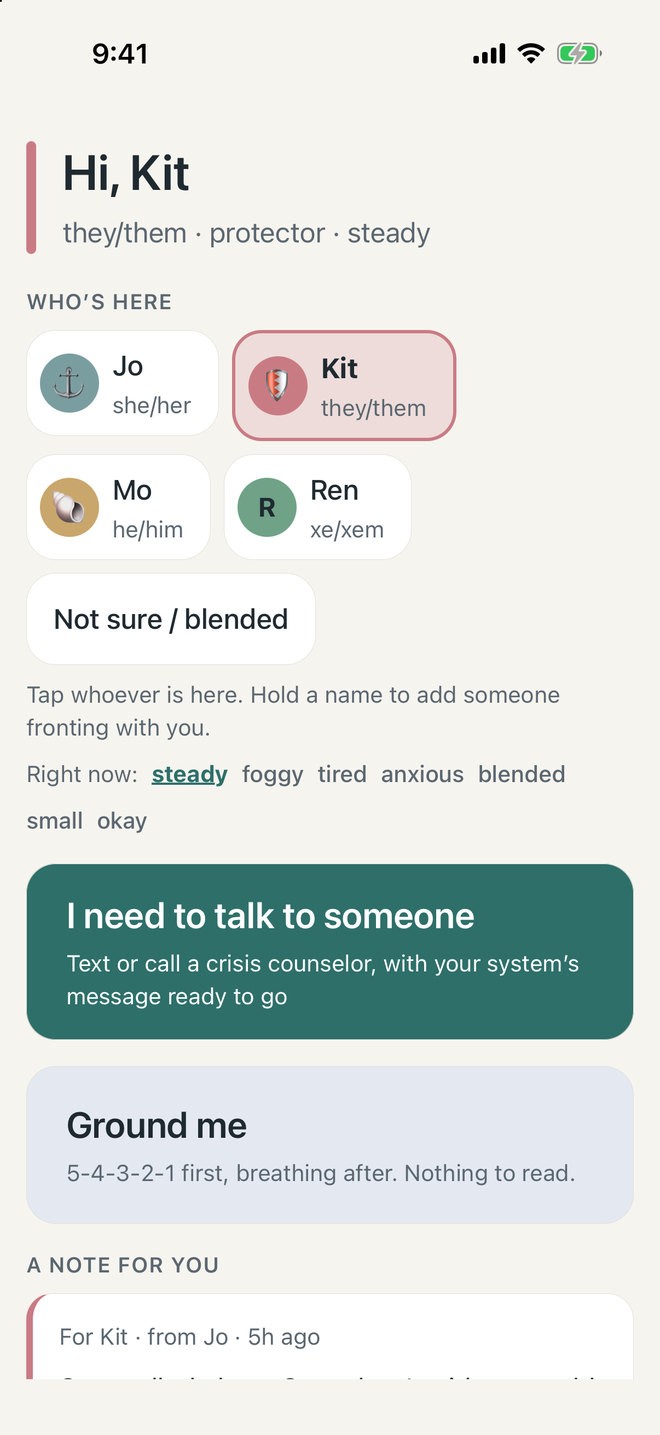
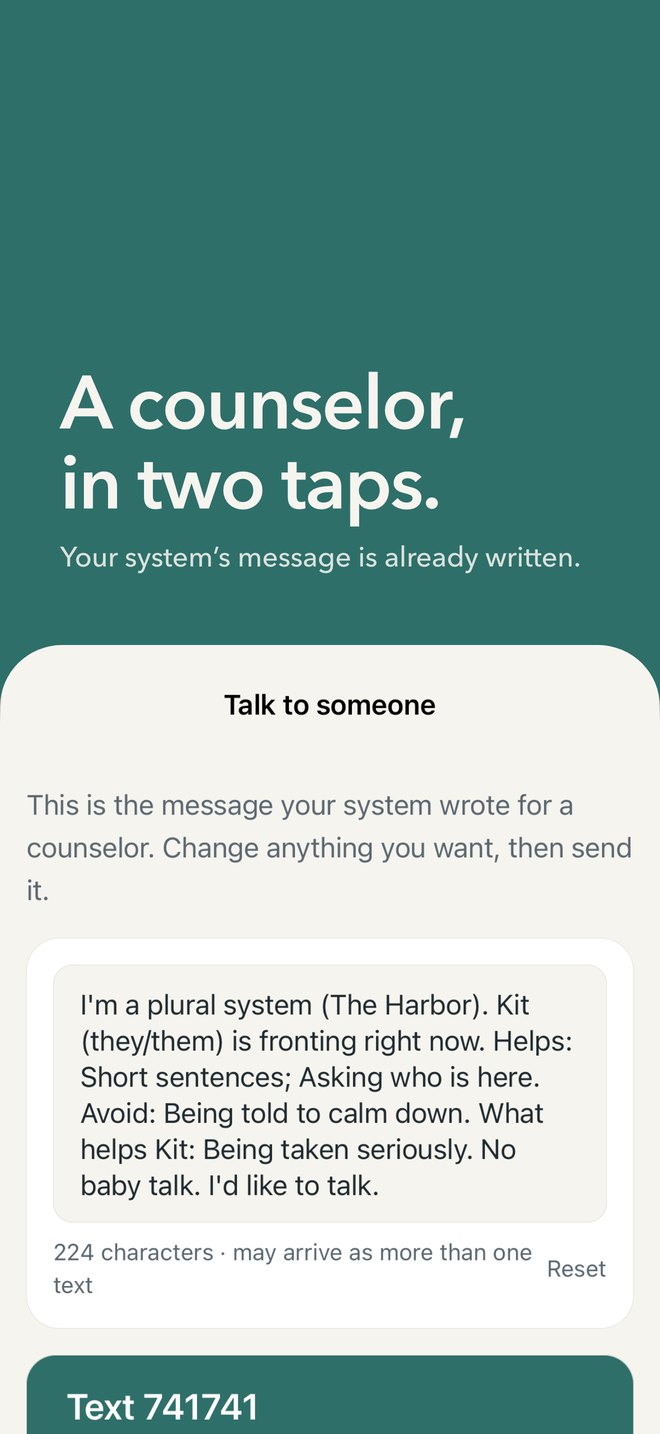
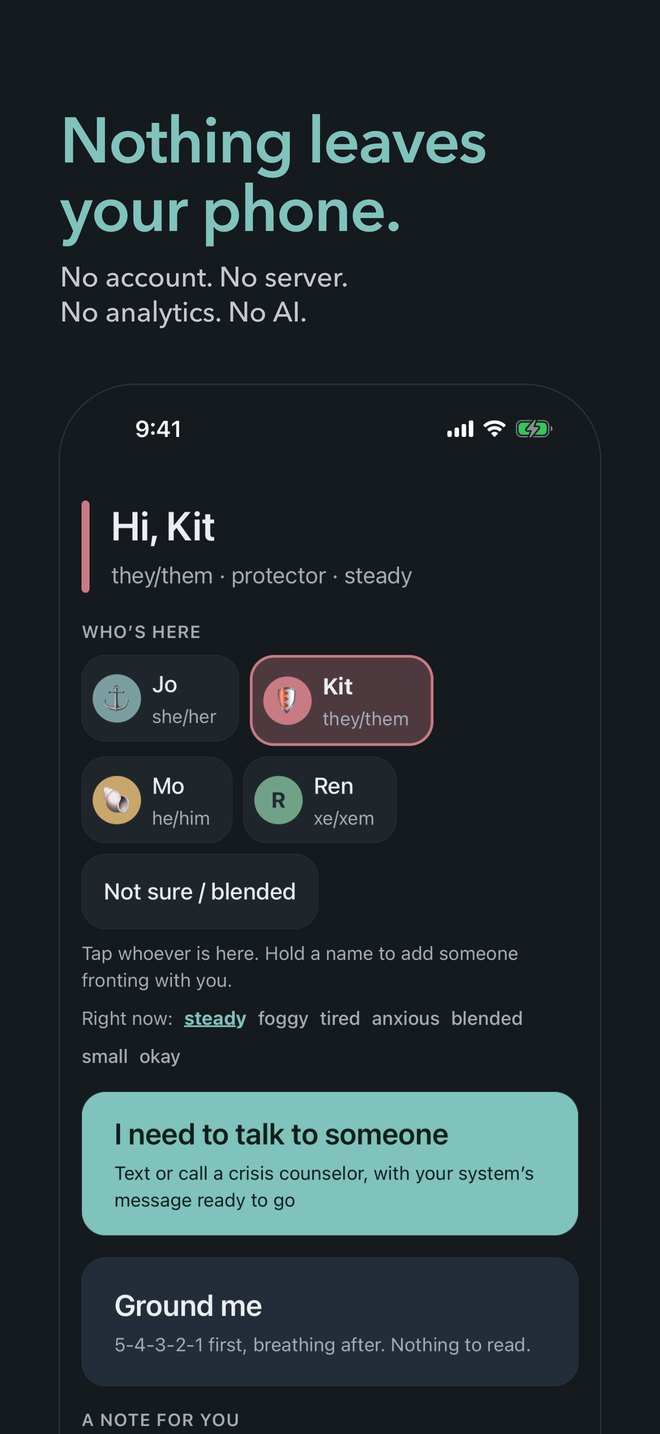
- Tap “I need to talk to someone.” It is always in the same place on the first screen.
- Tap a text or call line for where you are. Your system’s message is already written: that you are plural, who is here, and what helps.
Nothing is sent until you press send. The app never contacts anyone for you.
Every other day
Made for plural systems.
The first screen is worth opening on ordinary days too, so it is already familiar on a hard one.
Who’s here
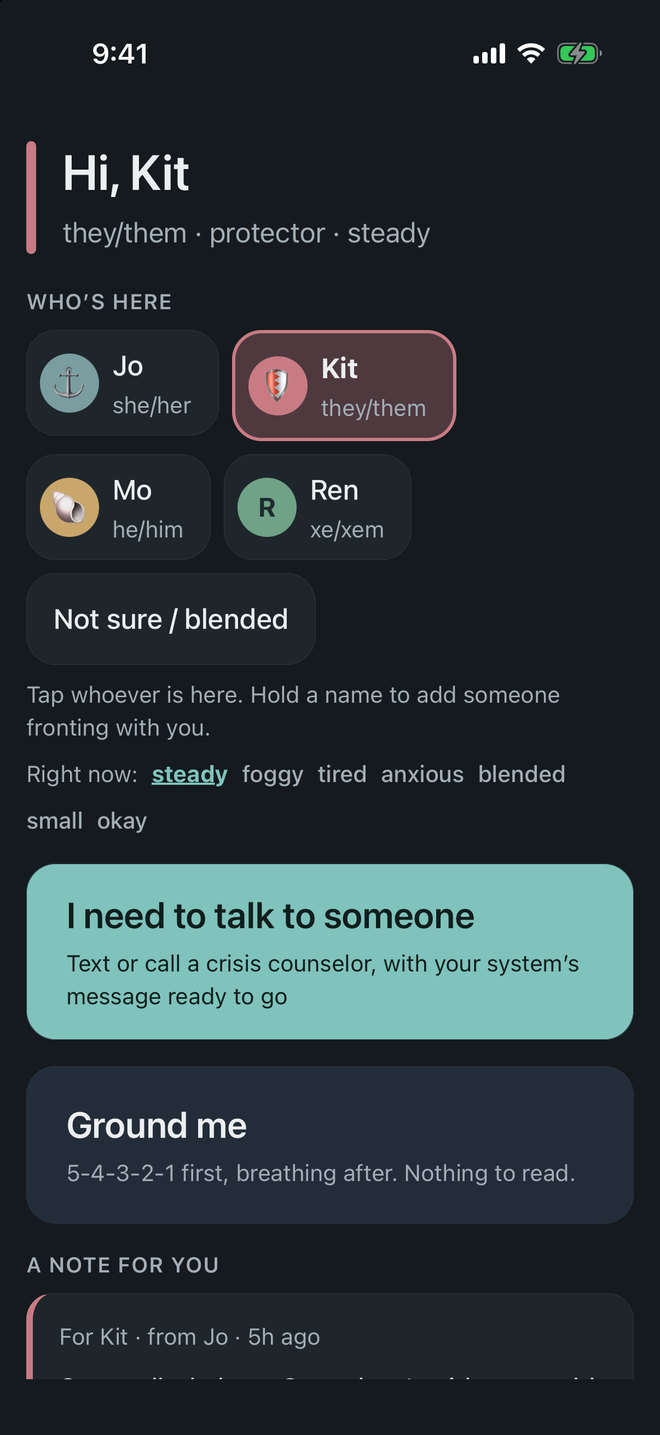
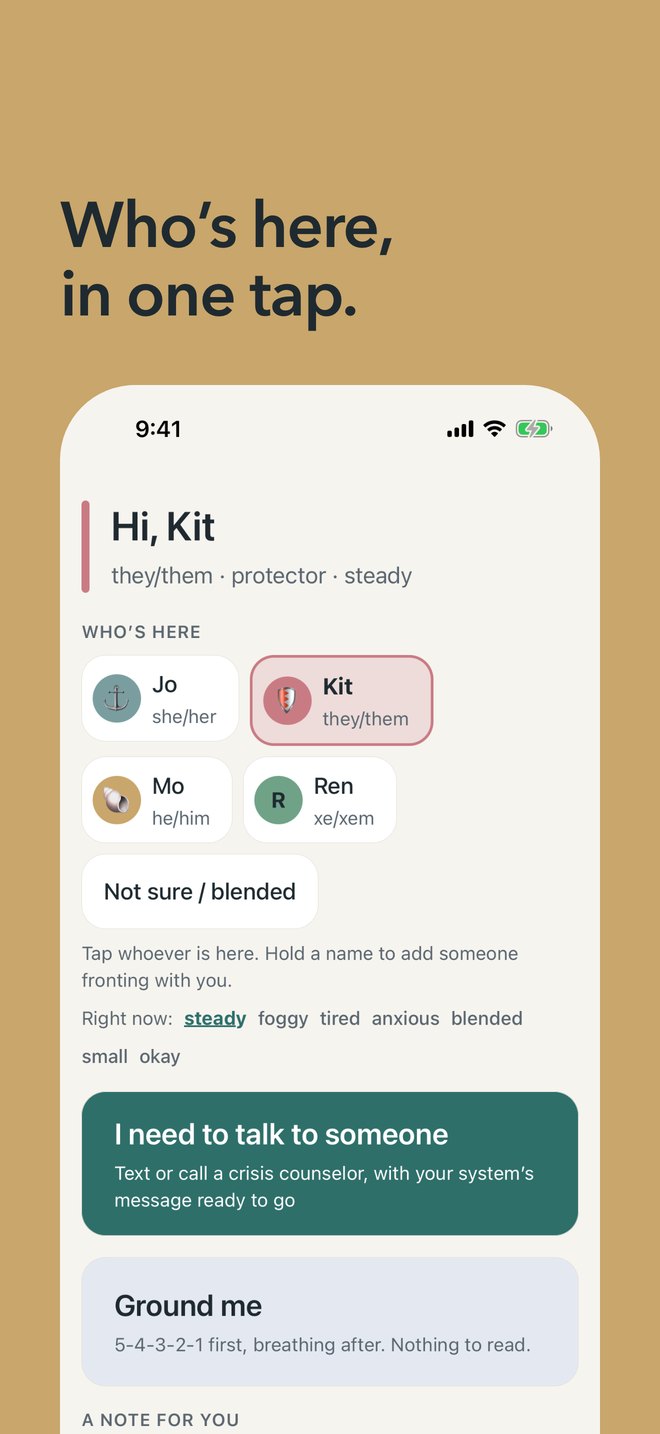
Tap whoever is fronting, or hold a name to add someone co-fronting. A widget and a Live Activity show it at a glance.
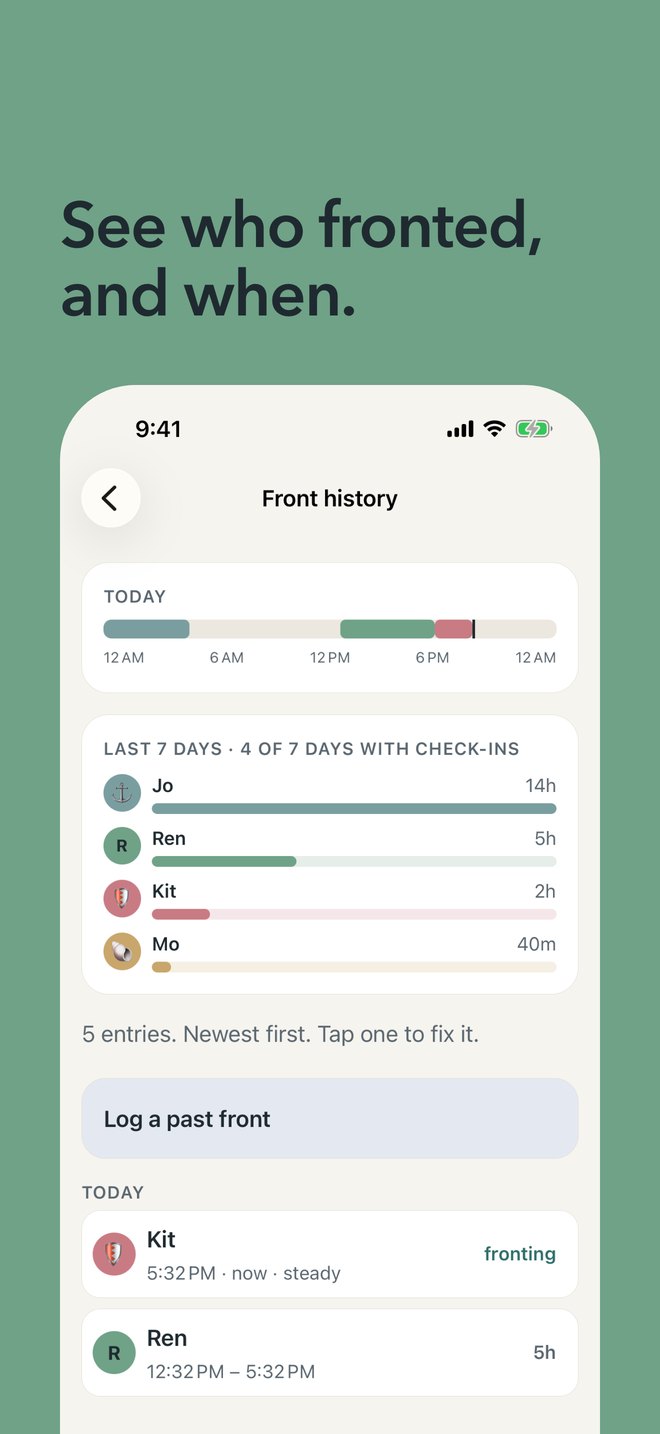
Front history
The app remembers who fronted when, with a status and notes, so you can look back later.
Notes between members
Leave a note for whoever is here next. It waits on the first screen, so things don’t get lost in a switch.
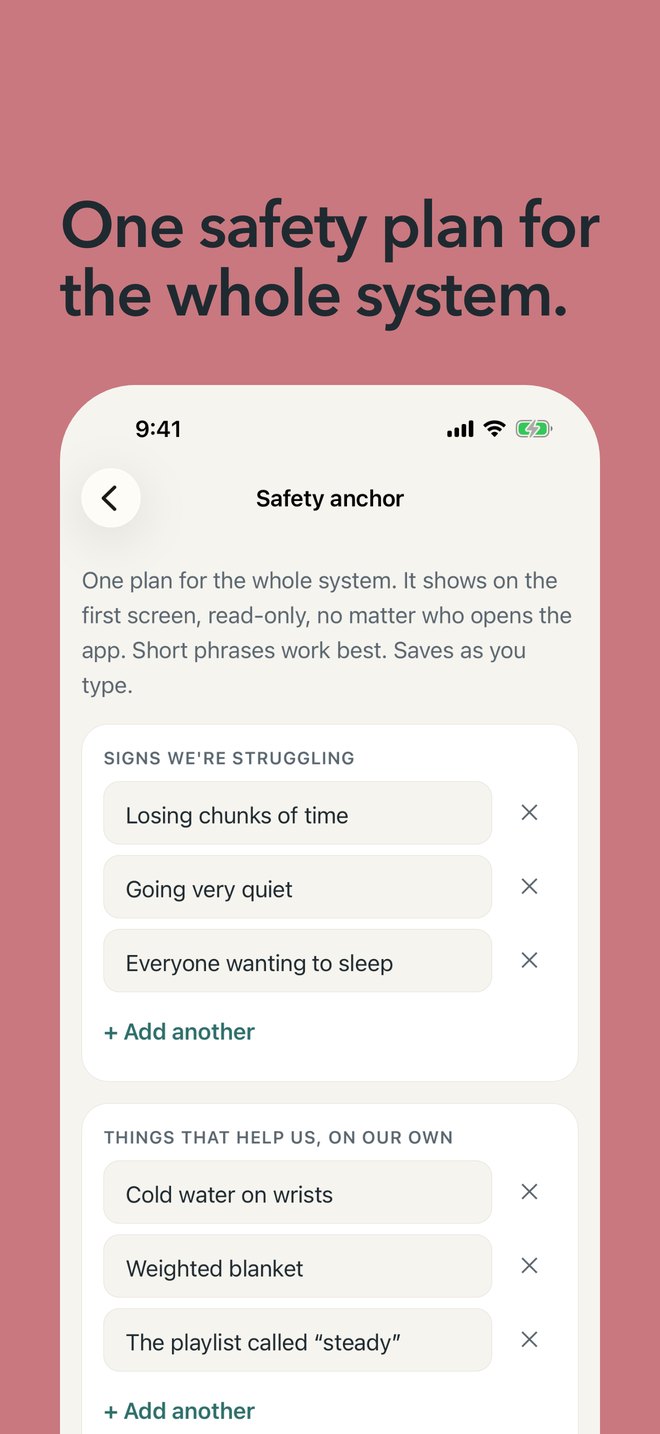
One safety plan
A plan the whole system writes on a calm day, shown on the first screen no matter who opens the app. Grounding, a journal and polls sit beside it.
Your own words
Members, alters, headmates, parts, or whatever you use. Profiles hold pronouns, roles, colors, photos and what helps.
Private on the phone, too
An optional Face ID lock that still shows the help lines. Check-in reminders never name a member.
Yours to keep
Bring your system with you. Take it when you go.
Import from Simply Plural, PluralKit, Octocon, Ampersand, Plural Star and Plural Log. Export everything as a file whenever you like, photos included.
Apps come and go. Your system should not go with them.
Anchor Plural reads in English, Spanish, German, French and Brazilian Portuguese, with large type, VoiceOver, high contrast and a dyslexia-friendly font.
Private by design
What we promise.
Everything you put in the app stays on your phone. We cannot see it, so we cannot lose it, sell it or be asked for it.
The details are in the privacy policy.
- No account.You never sign up or sign in.
- No server.Everything stays on your phone and in your own phone backups.
- No analytics.Nothing counts what you do.
- No AI in the app.Nothing reads, scores or decides anything about you.
- Free.No subscription and nothing to unlock.
The help screen
How we keep the numbers right.
A wrong number at the wrong moment is worse than none. So the help screen is kept the careful way.
- Every number is checked against two independent sources before it goes in.
- The date of the last check is shown in the app, under Settings › About.
- Where a country has no line we could verify, the app shows the emergency number and a directory of helplines instead of guessing.
- Found one that is wrong? Tell us and we will fix it.
Coming to the App Store.
Anchor Plural is in testing now. It will be free, with nothing to unlock.